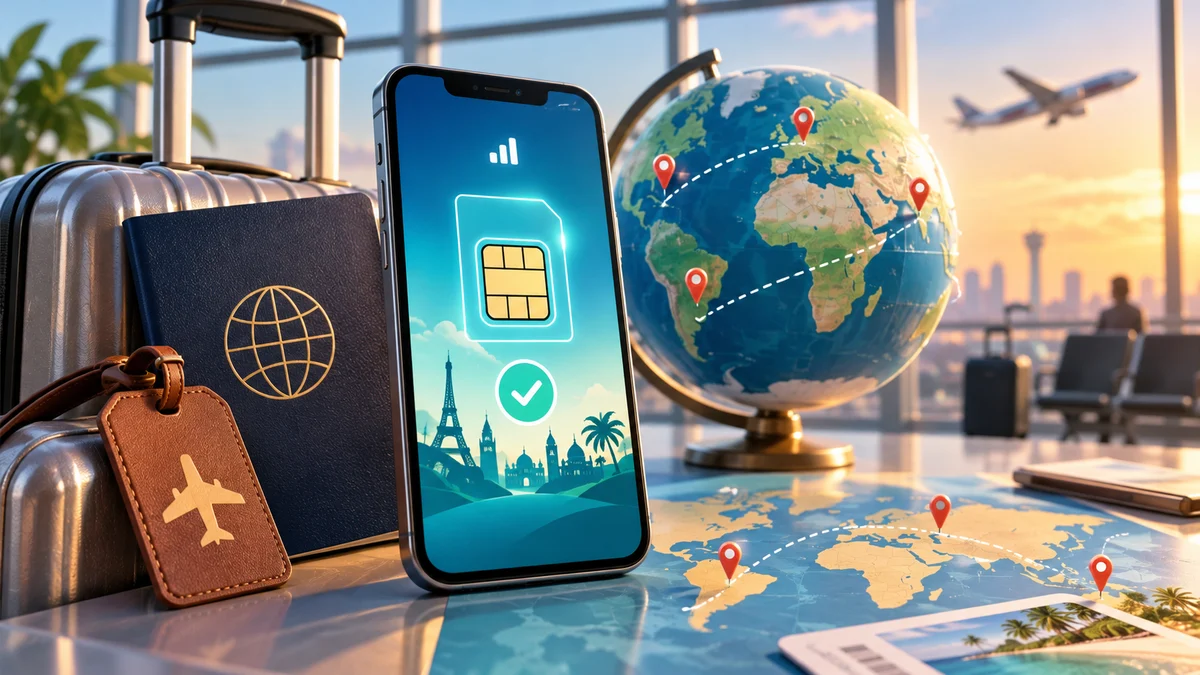
A travel eSIM can put mobile data on a compatible phone without an airport SIM counter or a surprise roaming bill. The useful choice still depends on the route, trip length, handset, expected data use and whether the home number must remain reachable. This guide connects the practical setup advice, comparison frameworks and destination notes needed before departure and after landing.
Before installing anything, confirm that the device is unlocked and supports eSIM, keep the activation information private, and preserve the home line until the new profile has connected. Apple maintains official travel eSIM guidance, while the GSMA explains the wider eSIM ecosystem and standards.
Plan terms still matter. Coverage, validity, tethering, renewal and cancellation conditions can differ even when two offers both use eSIM technology. Readers comparing provider options can review uPhone eSIM plans; anyone specifically evaluating a promotional option should read the conditions attached to the uPhone free eSIM trial.
Start with compatibility and plan selection
The following focused resources cover this part of the process. Choose the page that matches the device, trip or problem rather than changing several settings at once.
- Travel eSIM vs Local SIM vs International Roaming — A neutral trip-planning decision based on compatibility, local-number needs, duration, borders and support.
Install, transfer and control the active line
The following focused resources cover this part of the process. Choose the page that matches the device, trip or problem rather than changing several settings at once.
- How to Install Your Travel eSIM Before Leaving Home — Install on reliable Wi-Fi, label the line and follow the purchased plan's activation timing.
Troubleshoot connectivity and protect the account
The following focused resources cover this part of the process. Choose the page that matches the device, trip or problem rather than changing several settings at once.
- How to Fix a Travel eSIM That Will Not Connect After Landing — A calm arrival checklist that works before contacting support and does not tell readers to erase the profile prematurely.
- How Families Can Stay Connected Abroad Without Multiple Roaming Passes — Plan per-device compatibility, separate profiles, messaging and a meeting plan; do not imply one phone profile can be shared by a family.
Plan travel data and explore the complete collection
The following focused resources cover this part of the process. Choose the page that matches the device, trip or problem rather than changing several settings at once.
- How Much Mobile Data Do You Need for a One-Week Trip? — Build a personal estimate for maps, messages, photos, calls and video, then add a modest buffer.
- How to Keep WhatsApp, iMessage and Your Home Number While Abroad — Preserve app identities, use the travel line for data and warn that home-line calls or texts can still incur charges.
- Multi-Country eSIM Guide for a European Trip — Explain plan-country lists, border switching and the difference between EU roaming rules and a third-party travel profile.
- Using an eSIM During Layovers, Cruises and Border Crossings — Warn about aircraft and maritime networks, verify covered countries and control when each line is active.
- Japan eSIM and Mobile Data Guide — A Japan-specific arrival and connectivity guide with maps, translation, rail planning and a preflight setup checklist.
- Thailand eSIM and Mobile Data Guide — A Thailand-specific guide for airport arrival, maps, ride apps, islands and checking coverage for the actual itinerary.
- Singapore eSIM and Mobile Data Guide — A Singapore-specific setup and data-planning guide for transit, maps, bookings and a short city stay.
- Italy eSIM and Mobile Data Guide — An Italy-specific guide for multi-city rail trips, rural legs and understanding EU roaming versus a travel eSIM.
- France eSIM and Mobile Data Guide — A France-specific guide for city navigation, rail bookings, regional travel and data-line setup.
- United Kingdom eSIM and Mobile Data Guide — A UK-specific guide that does not assume EU roaming rules apply and asks readers to verify every country on a multi-nation itinerary.
- Australia eSIM and Mobile Data Guide — An Australia-specific guide that distinguishes city use from remote-area coverage and tells readers to verify the plan's supported network.
- How to Get a Free uPhone eSIM Before an International Trip — A traveler-first comparison of the three-day free trial and ten-referral reward, with a pre-departure checklist and transparent cancellation conditions.
A sensible setup ends with a quick test: verify which line handles cellular data, confirm data roaming only on the intended travel line, check that messaging apps still identify the correct number, and save offline copies of essential booking and navigation details. If a profile fails, change one variable at a time and keep the original QR code or provider instructions available.
More eSIM resources: Browse the complete eSIM article collection for newly published setup, device and destination guides.