

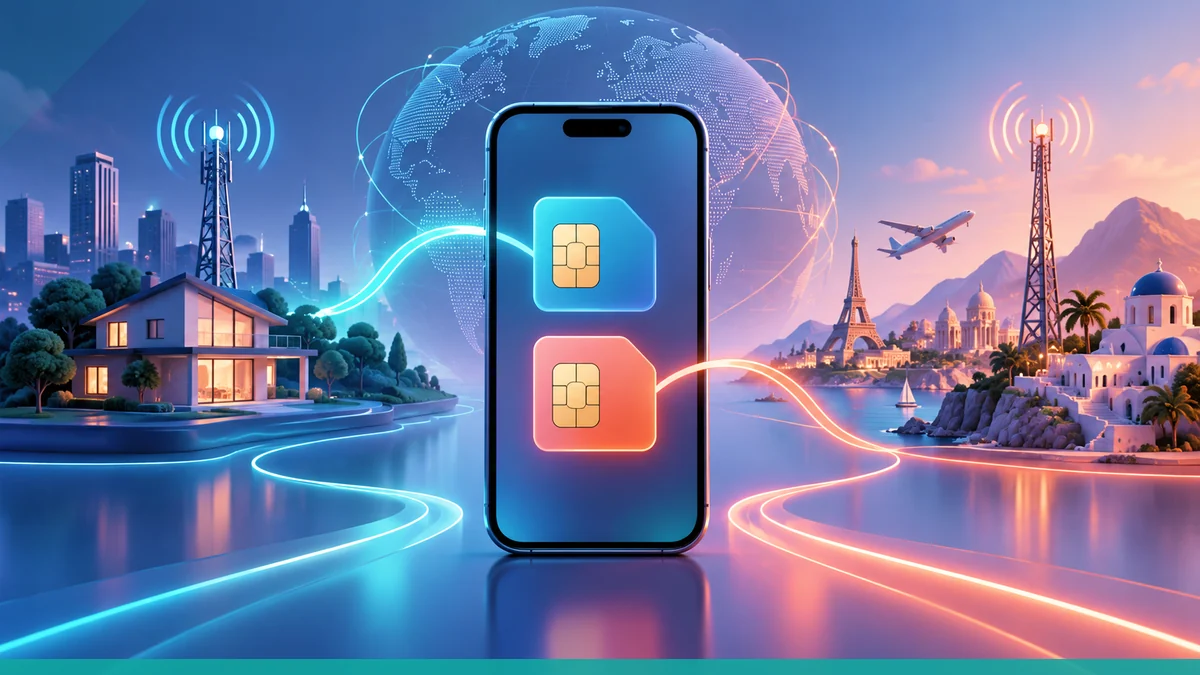
To keep WhatsApp, iMessage, and your home number while abroad, set up a dual-SIM travel setup before departure, then make the travel eSIM or local line your data line while leaving your home line active for calls and texts. Apple's Dual SIM guidance says you can choose separate default lines for cellular data and voice calls, and Apple's international eSIM guidance says the travel eSIM is used for data if you keep both lines on.
Keep your identity tied to the right line
On iPhone, Dual SIM lets you turn on more than one line, choose a default line for cellular data, and choose a default voice line. Apple also notes that the line labels appear in Phone, Messages, and Contacts, which helps you keep track of which number is being used.
If your phone supports it, you can use one line for your home number and another for travel data; Apple says supported iPhone models can use two eSIMs at the same time, and iPhones with a SIM tray can use both a physical SIM and an eSIM while traveling internationally.
Use the travel line for data
Apple says that when you choose to use both lines abroad, your travel eSIM will be used for data. That is the key setting for preserving app identities while still getting connectivity away from home, because your data traffic can stay on the travel line while your home number remains reachable on the other line.
Apple also says you can change which stored eSIM is active in Settings, and you can select which line to use for cellular data from the Cellular or Mobile Data settings.
- Turn on both lines if you want to keep your home number active.
- Select the travel eSIM or local line for cellular data.
- Choose the home line only if you need it for voice or texts.
Keep WhatsApp and iMessage stable
WhatsApp and iMessage stay tied to your phone number or account identity, so the practical goal is to avoid swapping the number you use for registration while you travel. Apple’s documentation supports keeping one line for home service and another for data, which helps you preserve those identities while abroad.
For iPhone users, Apple’s Dual SIM setup keeps both lines visible in the phone’s core apps, and Apple’s international eSIM guidance allows you to keep your home eSIM active while using the travel eSIM for data.
Watch out for charges on the home line
Apple warns that if you use both lines abroad, you might still incur roaming fees from your home eSIM. That means keeping the home number active does not automatically make calls, texts, or other home-line usage free.
Travelers should assume the home line can still generate charges whenever it is used outside the home plan’s included area or terms.
Before you leave and after you land
Before departure, confirm that your device is compatible, connected to Wi-Fi for setup, and signed in with the lines you plan to use. Apple says an iPhone must be connected to a Wi-Fi network or hotspot for the travel eSIM process, although some eSIM-only models in some countries or regions can activate without Wi-Fi.
After arrival, open Cellular or Mobile Data settings to confirm the travel line is selected for data and that the home line is still active if you need it for calls or texts. If you want the phone to keep routing data over whichever line has better coverage, Apple says you can turn on Allow Cellular Data Switching.
What the provider documentation adds
uPhone’s documentation says Dual SIM lets you keep your home number on your physical SIM while adding a uPhone eSIM for local data while traveling. uPhone also states that the physical SIM handles calls and texts from your home number while the eSIM provides data abroad.
That matches Apple’s model: keep the home line available for identity and voice, and use the travel eSIM for data on the road.
More eSIM resources: Browse our eSIM guides and troubleshooting resources for compatibility, setup, travel-data and account-safety advice.
Related travel guides: Travel eSIM Guide: Choosing, Installing and Using an eSIM Abroad, How to Install Your Travel eSIM Before Leaving Home, and How Much Mobile Data Do You Need for a One-Week Trip?.
