

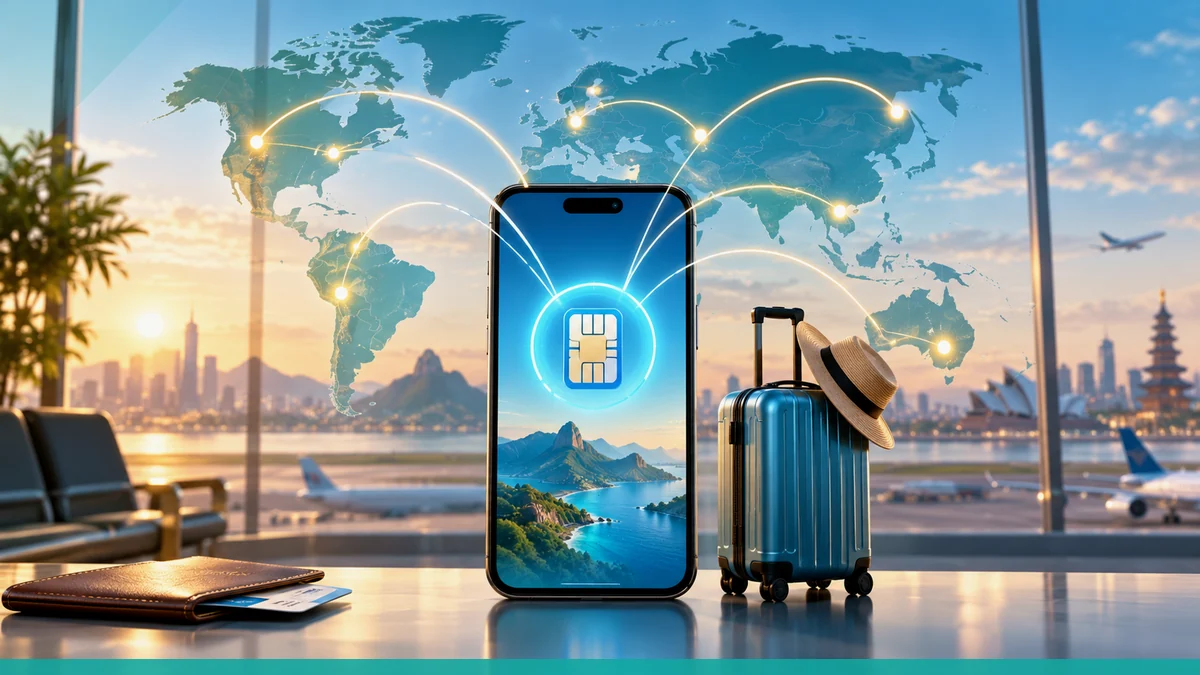
Use Europe eSIM plans when you want one prepaid travel profile for multiple countries, but understand that a third-party travel eSIM is not the same thing as the European Commission's roaming guidance. EU roaming rules let travelers use voice, SMS, and data from another EU country as if they were at home on their national tariff plan, while Apple says a travel eSIM on iPhone can be turned on separately or used alongside your current eSIM, with the travel line handling data and the home line still potentially charging roaming fees.
How a multi-country Europe eSIM is described
uPhone describes its Europe offering as a regional eSIM plan that can cover multiple countries and automatically connect in each covered country without a physical SIM card. The site also says travelers can browse by country, region, or global plan and filter by data size and validity to match the trip.
- Regional plans are presented as covering more than one destination in Europe.
- Plans are sorted by destination, region, and global coverage.
- The service is positioned as digital and installable before departure.
EU roaming rules are different from a travel eSIM
The European Commission says that when you use a phone call, SMS, or data in another EU country, those services are charged or deducted from your national tariff plan exactly as if you were at home in the country where you live, work, or study. That is a roaming rule tied to your home mobile contract, not a separate travel profile purchased from a third-party provider.
In practical terms, EU roaming rules govern how your home operator bills you inside the EU, while a travel eSIM is a separate plan you install onto the device and use according to the provider’s own plan terms.
Border switching and what usually happens on arrival
uPhone says its regional Europe eSIM connects automatically in every covered country, so the traveler does not need to swap physical SIM cards at borders. The plan language indicates that one profile can stay installed while the phone joins the local network available in each destination.
Apple's international eSIM guidance also says a travel eSIM can be selected as Travel eSIM Only or Travel eSIM and Current eSIM. If both lines are used, the travel eSIM is used for data, and roaming fees may still apply on the home eSIM.
- Automatic connection is described by the provider for covered countries.
- Border crossing does not require removing a SIM card when the same travel eSIM remains active.
- Dual-line use on iPhone is allowed where supported, with the travel line taking data.
Before departure: device and installation basics
Apple says an iPhone must be connected to Wi-Fi or a hotspot to activate in general, although some eSIM-only iPhone models can activate without Wi-Fi in some countries or regions. Apple also says travelers can buy a prepaid plan from a carrier’s website or app before travel, or in person after arrival at an airport kiosk, carrier store, or other location.
uPhone says travelers can install the eSIM profile at home over Wi-Fi before travel, and that the process is done by going to Settings, then Mobile or Cellular, then Add Plan or Add eSIM, and scanning the QR code sent by email. The site says the install can be completed in under 2 minutes.
Troubleshooting after arrival
If the trip is already underway, Apple’s international eSIM guidance indicates that a traveler can choose whether to use only the travel eSIM or both the travel eSIM and the current eSIM. That matters because the travel eSIM is used for data in the dual-line setup, while the current eSIM may still generate roaming charges.
If a plan is meant to cover multiple countries, the traveler should confirm that the destination is in the provider’s plan-country list before crossing the border. uPhone’s Europe product page presents its regional coverage as country-based and region-based, so the covered destinations depend on the selected plan rather than a universal Europe-wide entitlement.
What to check before buying
A traveler should verify which countries are included in the selected regional plan, whether the device supports eSIM, and whether the phone will be used as a single line or with a separate home line still active. For iPhone users, Apple distinguishes between travel eSIM use and the current eSIM, which is important when trying to avoid unexpected roaming fees.
- Check the plan-country list for every stop on the itinerary.
- Confirm the phone is eSIM-compatible before departure.
- Decide whether the travel eSIM will run alone or alongside the home line.
- Remember that EU roaming rules and a third-party travel profile are different systems.
More eSIM resources: Browse our eSIM guides and troubleshooting resources for compatibility, setup, travel-data and account-safety advice.
Related travel guides: Travel eSIM Guide: Choosing, Installing and Using an eSIM Abroad, How Much Mobile Data Do You Need for a One-Week Trip?, and How to Fix a Travel eSIM That Will Not Connect After Landing.
