

The iPhone Photo Format That Trips up Every Non-Apple Device
The iPhone Photo Format That Trips Up Every Non-Apple Device
You spend three weeks planning a trip. You fly halfway across the world, drag yourself to the top of a hill at 6 a.m., and capture the most perfect sunrise you have ever seen. The colors are extraordinary. Your iPhone nailed it. You turn to your Android-using travel companion and say, “I’ll send it to you right now.” They wait. They open the file. And then they look at you with a shrug. Nothing. A grey box. An error message. Your perfect photo, completely unreadable.
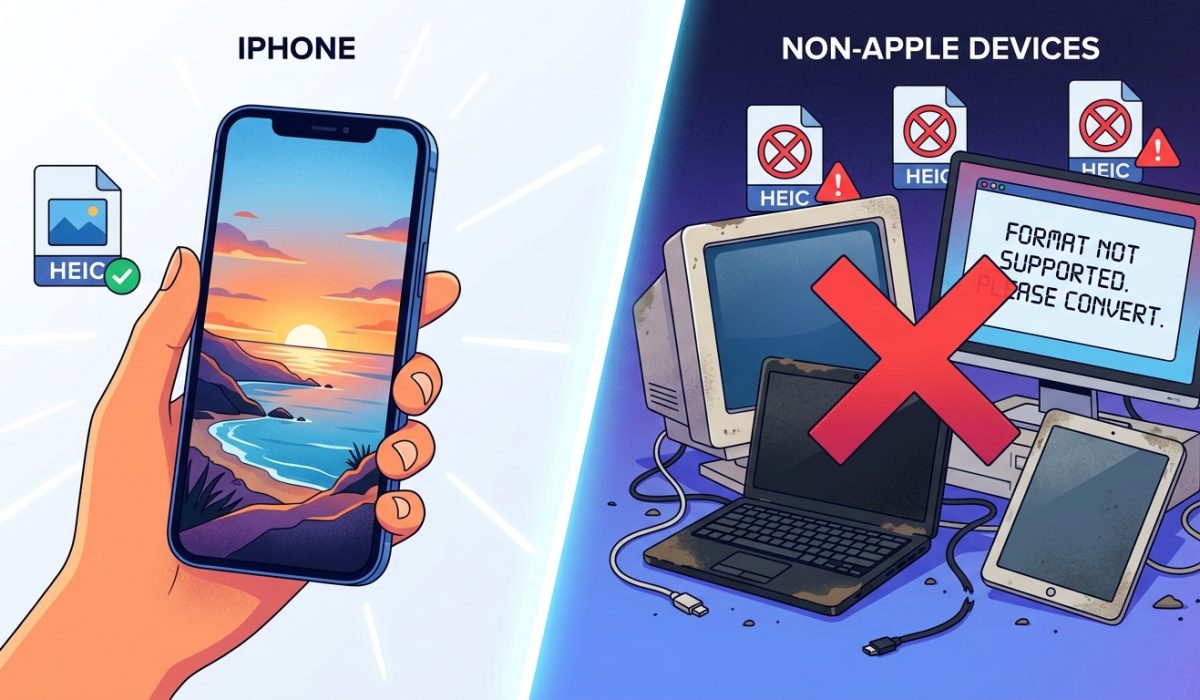
This is the HEIC problem, and it catches tourists by surprise every single day.
The format your iPhone uses by default, HEIC, is not readable by most Android phones, Windows computers, or hotel print kiosks without extra software. Here’s what you need to know before your next trip:
– iPhones switched to HEIC around 2017 because it stores images at roughly half the file size of JPG with comparable quality.
– Most non-Apple devices and services do not support HEIC natively, which creates sharing and printing failures on the road.
– Converting your photos to JPG in a browser, before you check out of your hotel, takes minutes and costs nothing.
Why Your iPhone Stopped Saving Photos as JPG
It started with iOS 11, back in 2017. Apple quietly switched the default camera format from JPG to something called HEIC, which stands for High Efficiency Image Container. The change was real and the benefit was measurable. A typical iPhone photo in JPG format might take up 3 to 4 megabytes of storage. The same shot saved as HEIC often lands under 2 megabytes, with very little visible difference in quality.
For people taking hundreds of photos on a trip, that adds up fast. A two-week vacation in Portugal, a road trip through Japan, or a cruise around the Mediterranean can easily produce a thousand photos. In HEIC, that collection might fit comfortably in your phone’s storage. In JPG, it might not. Apple made a reasonable engineering call, and for anyone staying entirely inside the Apple world, it causes no friction at all.
The trouble starts the moment you step outside that world.
The Exact Moment It Becomes a Problem
Travelers run into HEIC failures in a handful of very specific situations. And these are not edge cases. They happen constantly, to real people, on real trips.
The first situation is sharing with non-iPhone users. If your travel companion uses Android, HEIC photos you send over WhatsApp, email, or AirDrop-adjacent methods may arrive as files they simply cannot open. The image appears, but it looks broken or it prompts them to download an app they did not ask for.
The second situation is hotel print kiosks. These machines are everywhere now, from resort lobbies to pharmacy counters near popular tourist areas. You plug in your phone or insert a memory card, and the kiosk scans your files. HEIC? Not on the list of supported formats. JPG? Fine. PNG? Fine. HEIC? Try the next machine down the hall, which also does not support it.
The third situation is uploading to photo books, travel blogs, or social platforms that still process on desktop. Many online services have added HEIC support in recent years, but plenty have not. You try to upload your cathedral shots to a travel journal, and the site returns an error or silently ignores the file.
The fourth situation is sending photos to family back home who use older devices or Windows computers. Windows did not include native HEIC support until a codec update that requires Windows 10 and a manual install from the Microsoft Store. Many family members will not have done this. They get an attachment they cannot open and assume something went wrong on your end.
What HEIC Actually Is Under the Hood
HEIC is built on a video compression standard called HEVC, also known as H.265. The same technology that makes 4K video files manageable on a phone is adapted here to compress still images. You can read more about the underlying format on the HEIF Wikipedia page, which explains how the container works and why adoption has been uneven across platforms.
The compression is genuinely impressive. The problem is purely one of adoption. The format is newer, and the industry has spent decades building tools, kiosks, printers, and services around JPG. JPG dates back to 1992. It is not going anywhere.
The Simple Fix You Can Run From Any Browser
You do not need to install anything. You do not need to sign up for a service or hand your photos to an app with unclear privacy terms. The most practical approach for travelers is to convert the specific photos you need to share, right before you need to share them.
A browser-based HEIC to JPG converter handles this entirely on your device. Your photos do not travel to a server. You pick the files, convert them, and download the JPG versions. It works on iPhone, Android, laptop, or anything with a modern browser. This matters on the road because you may be using a borrowed device, a hotel computer, or a phone with limited app storage.
The workflow looks like this when you are traveling:
- Open the converter in any browser before you check out or before a sharing moment.
- Select the HEIC photos you want to share or print.
- Download the JPG versions and share or upload those instead.
That is it. No account. No subscription. No learning curve.
What Travelers Specifically Should Know
There is a setting inside the iPhone Camera app that lets you choose between HEIC and the more compatible format option labeled “Most Compatible.” This tells the camera to save JPGs from the start. You find it under Settings, then Camera, then Formats.
Switching to “Most Compatible” solves the problem permanently but costs you the storage efficiency that made HEIC appealing. On a long trip where you are photographing heavily, that tradeoff matters. A week in Iceland shooting landscapes, waterfalls, and the Northern Lights in JPG will eat your storage faster than the same week in HEIC.
Many experienced travelers leave the camera set to HEIC for the storage benefit and then convert only what they need to share or print. That targeted approach keeps your library lean while ensuring the photos that need to travel across devices can actually do so.
It is also worth knowing that this issue touches JPEG compression standards more broadly. The JPEG format, standardized in 1992 by the Joint Photographic Experts Group, became universal precisely because it was adopted so widely before anyone had a competing standard. HEIC is technically superior in several measurable ways. But universality takes decades to build.
When the Hotel Printer Refuses Your Memory Card
This particular scenario deserves its own moment, because it is more frustrating than a failed WhatsApp send. You have a beautiful photo of your family in front of a famous landmark. You want to print it at the hotel’s photo kiosk before you fly home, maybe as a gift or just as a physical memory. You insert your card. The machine reads your files. HEIC files appear as thumbnails sometimes, but when you try to print, the machine returns an error or produces a blank output.
This has happened to enough travelers that it is now a commonly reported complaint in travel forums. The kiosks at most hotel photo services are not Apple devices. They run embedded software designed around the JPG and PNG formats that dominated photography for the previous 30 years. A 2024 model kiosk is not necessarily running newer software than a 2018 model.
Converting before you reach the kiosk means you arrive with files that will print without drama. Five minutes of browser-based conversion before breakfast, and the kiosk interaction becomes smooth instead of stressful.
Sharing the Trip With the People Who Were Not There
Travel photography is partly personal and partly social. You want the people who could not make the trip to see what you saw. An aunt who has always wanted to visit Rome. A friend who grew up near the village your grandparents came from. A colleague who asked for photos of the local market you described at the last team meeting.
These people are rarely on the cutting edge of device updates. They may be on Android phones that have never been updated past their manufacturer-installed software. They may be opening their email on a Windows laptop from five years ago. They may be viewing your attachment on a Chromebook at a public library. In every one of these scenarios, HEIC is going to cause problems. JPG is not.
The kindest thing you can do for the people who want to see your trip is hand them files they can simply open. No prompts, no codec downloads, no confusion.
Before You Check Out, Not After
The timing matters more than it might seem. Converting photos is easier when you have hotel Wi-Fi, a charged device, and a few minutes before you pack your bags. Trying to sort out a format issue in an airport, on a data connection, with a phone at 12% battery is a completely different experience.
Build a small travel habit around this. The night before checkout, spend a few minutes pulling the photos you most want to share into a folder, convert them, and either send them or save the JPG versions alongside the originals. You keep your full-resolution HEIC library, and you have ready-to-share JPGs for every moment that matters.
The Format Gap That Quietly Costs Travelers Memories
HEIC is not a flaw. It is a genuinely useful format that Apple implemented thoughtfully, and for most people in most situations it works perfectly. The gap is between what Apple optimized for and what the rest of the world is equipped to handle right now. That gap is narrowing, but it is still wide enough to cause real problems for real travelers in 2026.
The travelers who have a good experience with their iPhone photos are the ones who understand what the format is, know when it causes friction, and have a simple step ready when they need to cross that gap. A browser, a file picker, and two minutes is all it takes. Your photos deserve to be seen, printed, and shared, not stuck in a format that half the world cannot read.
