

How Travelers Are Using AI Photo Tools to Share Better Trip Memories
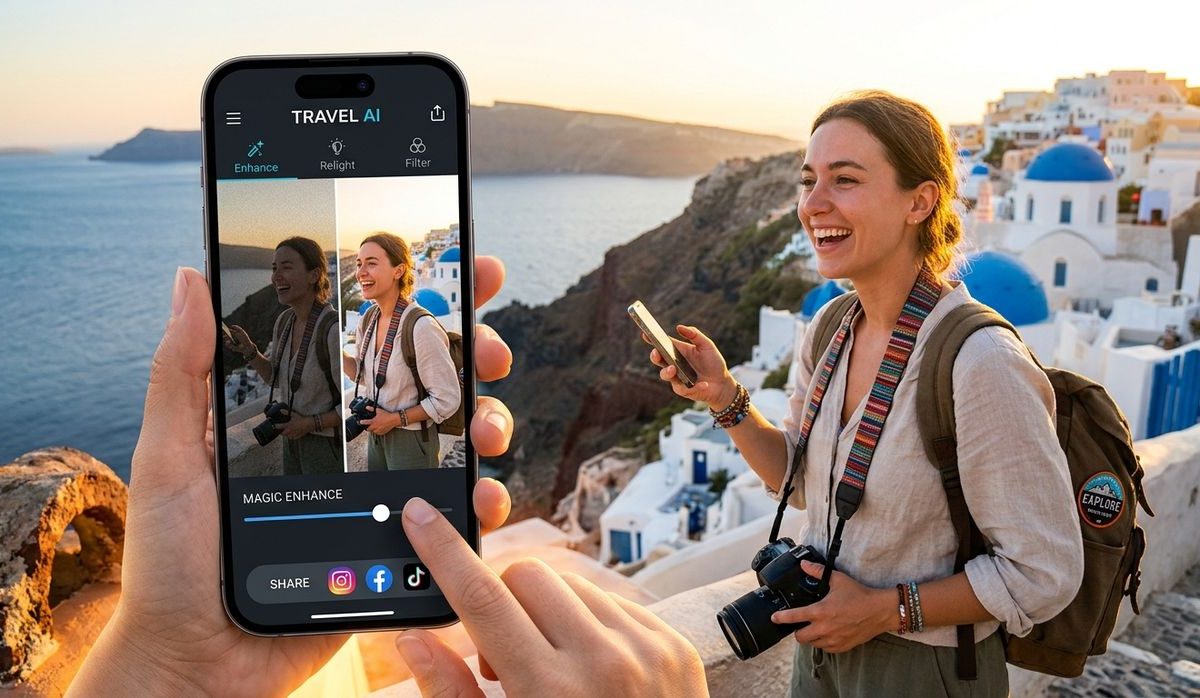
You come home from two weeks in Portugal with 600 photos on your phone. Maybe 40 of them are actually shareable. The rest? Half-decent shots ruined by a stranger walking through the frame, a trash can in the corner, or a chaotic market backdrop that swallows the whole subject. It happens to every dedicated travel photographer, amateur or otherwise. The gap between what you saw and what your camera captured is real, and it used to require expensive software or a professional editor to close it. That is no longer true.
Key Takeaways:
– Busy or cluttered backgrounds are one of the most common reasons travel photos don’t look as good as the moment felt
– A browser-based background remover can clean up landmark and souvenir shots in seconds, no software install needed
– A photo collage maker turns a week of scattered images into one shareable recap you can put together mid-flight
– Both tools work on mobile, so you can edit and share before you even check your bags
– Starting a simple post-trip editing ritual saves hours of scrolling and deleting later
Why Your Travel Photos Don’t Look the Way You Remember
There is a reason professional travel photographers talk about location scouting as seriously as they talk about camera settings. The background matters as much as the subject. When you are moving fast through a new city, you rarely have time to find a clean angle. You grab the shot, move on, and deal with the results later.
The result is a camera roll full of images where the thing you actually wanted to photograph, a hand-painted tile, a cathedral spire, your partner trying a local dish, is competing with scaffolding, parked motorcycles, tourist crowds, or a neon sign for a pharmacy.
This is not a skill problem. It is a context problem. Travel is unpredictable, and backgrounds are part of that unpredictability.
What has changed is how fast you can fix it.
The Specific Problem With Souvenir and Landmark Shots
Souvenir shots are a particular kind of challenge. You find something beautiful at a market, you hold it up to photograph it, and the background is a blur of vendor stalls, people, and signage. The item itself looks fine. Everything around it looks like noise.
Landmark shots have a different problem. You are usually shooting at peak tourist hours because that is when you are there. The background is technically the right background, a famous square or a coastline, but it is full of other people doing exactly what you are doing.
Both situations benefit from the same fix: remove what is behind the subject and let the subject breathe.
Cleaning Up Shots With a Background Remover
A good background remover uses AI to detect the edges of your subject and strip away everything behind it in seconds. You upload the image, the tool does the work, and you download a version with a transparent or replaced background.
This opens up more options than most people realize at first.
- You can place the subject on a clean white background for a product-style photo that looks intentional, not accidental
- You can swap in a simpler version of the same scene, a clear sky instead of a crowded plaza
- You can layer the subject over a completely different background if you are putting together a creative travel post
- You can isolate a keepsake or souvenir to use in a printed photo book without the visual clutter
The transparency option is especially useful for travelers who like to print their photos. A ceramic bowl from Marrakech, a hand-embroidered bag from Guatemala, a vintage postcard from a Paris flea market, any of these look far more intentional on a plain background than they do in front of a packed market stall.
The tool works entirely in the browser. No account required, no software download, no waiting for a desktop app to load. You can use it on your phone while you are still at the airport.
According to research on digital image processing, modern AI-based segmentation has become accurate enough to handle complex edges like hair and irregular shapes without the manual masking that used to be required. What once took a skilled editor an hour now takes a few seconds.
When to Edit, Not Delete
A lot of travelers fall into the habit of deleting photos that do not look right immediately. The logic makes sense in the moment: clear up storage, keep only the best. But background issues are one of the most fixable problems in a photo, and deleting too fast means losing shots that could have been saved.
A better habit is to keep anything where the subject is sharp and well-exposed, even if the background is a mess. Those are exactly the photos that respond well to background removal. The subject is already good. You just need to cut away what is surrounding it.
Turning a Week of Shots Into One Keepsake
The second problem travelers face is not a bad photo. It is too many good ones.
A week-long trip might generate 200 photos that you genuinely like. You want to share them, but posting 200 individual images is not realistic, and a slideshow feels passive. What most people want is one image that tells the story of the whole trip at a glance.
This is where a photo collage maker becomes a genuine travel tool rather than just a design app.
The Flight-Home Ritual
There is a window of time that most travelers waste: the flight home. You are tired, you do not want to start work, and you are not quite ready to process the fact that the trip is over. It is actually perfect time to do one creative thing with your photos before you land.
The habit works like this. Before you board, pull out your phone and pick your ten or fifteen favorite shots from the trip. Look for variety: a landscape, a detail shot, a food photo, a portrait, something funny or unexpected. You are curating, not editing.
On the plane, open a collage tool and drop those photos in. Most tools let you choose a layout automatically or adjust it manually. Pick something that fits the mood of the trip. A grid layout feels clean and editorial. A freeform layout feels more like a scrapbook page. Either works.
By the time you land, you have one image that captures the whole week. You can post it, print it, or send it to everyone who was there with you.
Why One Image Works Better Than an Album
There is a lot of research on how people actually consume shared photo content. Most people do not scroll through 200 photos in a shared album. They look at the first few and move on.
A collage solves this by compressing the narrative. The person looking at it gets the full trip in one frame. It respects their time and still shows them what you experienced.
It also ages better. Five years from now, you are more likely to have one printed collage on your wall than a digital album you will need to hunt for on a cloud service.
What to Include in a Trip Collage
Choosing which photos to include is half the creative work. A few things that tend to make collages feel complete rather than random:
- One wide establishing shot that sets the location
- One food or drink photo, because food is always a meaningful part of a trip
- One photo of a person, whether that is a travel companion or a local you met
- One detail shot, a door, a sign, a texture, something small that captures the place
- One unexpected or funny image, the thing that only makes sense if you were there
That combination gives the collage a beginning, middle, and emotional punch. It tells a story rather than just displaying pretty images.
What Changes When You Edit Before You Post
The difference between sharing a photo right off the camera roll and sharing one you have spent three minutes on is larger than most people expect. It is not about perfection. It is about intention.
When you remove a distracting background or build a collage that reflects the arc of a trip, you are making a choice about what to show. That choice is visible in the final image. Viewers can feel the difference between something tossed off and something considered, even if they cannot articulate why.
Travel photography is changing because the tools for editing have moved onto the same device you are already using to shoot. The barrier between taking a photo and sharing a good version of it is lower than it has ever been.
Digital photography in general, as documented in the history of photography, has always evolved alongside the tools available to everyday users. The shift from darkrooms to desktop software to browser-based AI tools is just the latest step in making editing accessible to anyone who cares about their images.
Your Photos Deserve the Edit
You spent money on the trip. You carried the camera. You showed up at sunrise to get the shot before the crowds arrived. The editing is the last five minutes of work that honors all of that.
A background remover handles the cluttered shots. A collage maker handles the ones you want to keep forever. Neither requires expertise, neither costs anything, and both can be done before you have finished your coffee at the departure gate.
The travelers sharing images that actually look like their trips are not doing anything mysterious. They are just taking those last few minutes to finish what they started.
