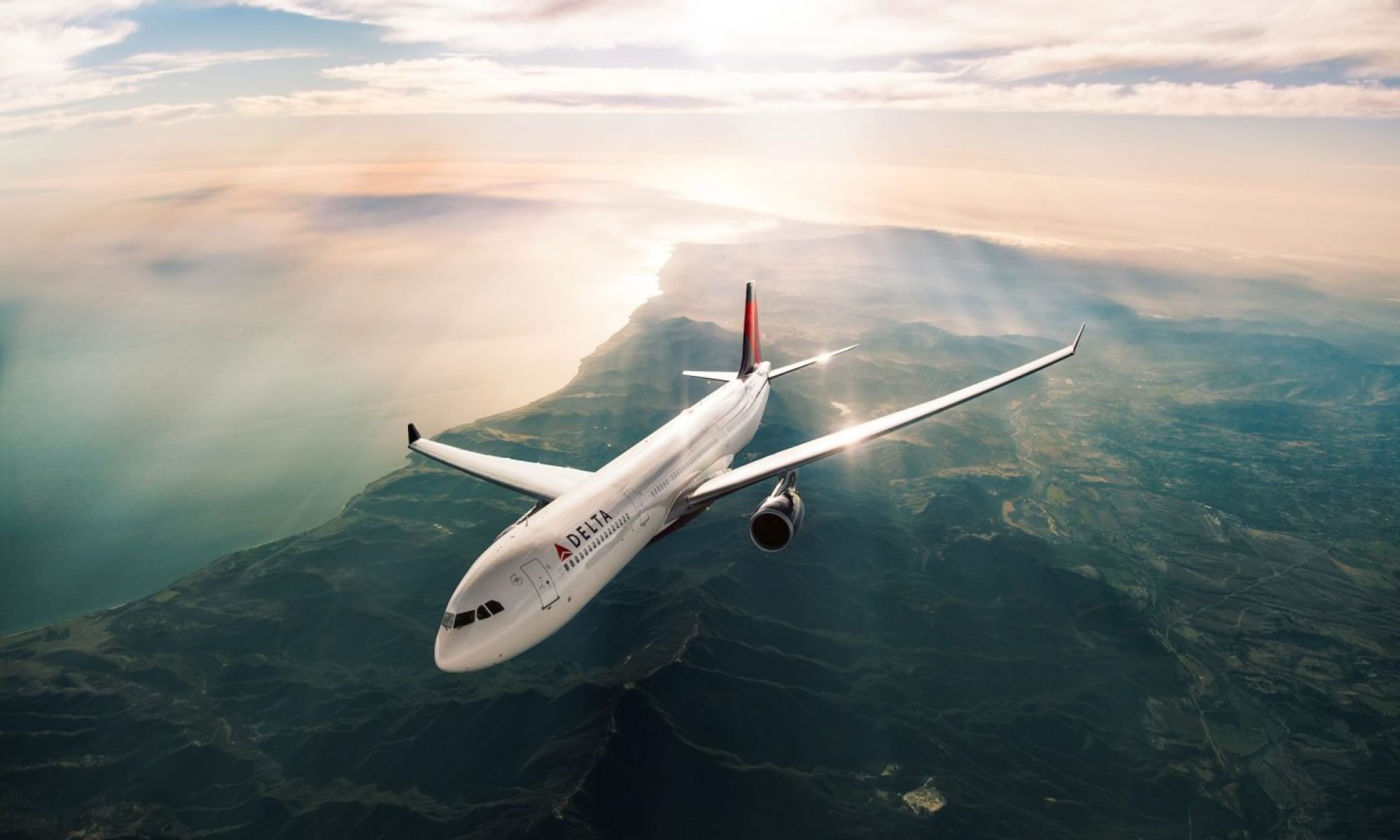
To add a trip to your Delta SkyMiles account, log in, find your reservation in My Trips, and enter your SkyMiles number. This ensures you earn miles for every flight you take.
Understanding Delta SkyMiles
Delta SkyMiles is a loyalty program that rewards frequent flyers with miles for every trip taken. These miles can be redeemed for flights, seat upgrades, and other travel-related perks. Adding a trip to your Delta SkyMiles account is straightforward, but knowing the right steps ensures you don't miss out on any points.
Booking Your Flight
Booking your flight correctly is the first step in adding a trip to your Delta SkyMiles account. Here's how to do it:
-
Use Your SkyMiles Number: Always enter your SkyMiles number when booking a flight. This ensures that the miles are automatically credited to your account.
-
Book Through Delta: Whenever possible, book directly through Delta's website or app. This minimizes the risk of errors in your SkyMiles account.
-
Check Partner Airlines: If flying with a partner airline, ensure they are part of the SkyTeam alliance. This way, you can still earn miles for your trip.
After Your Flight
Once your flight is complete, there are a few steps to ensure your miles are properly credited:
-
Verify Your Account: Log into your SkyMiles account to confirm that the miles have been added. This usually happens within a few days of your flight.
-
Keep Your Boarding Pass: Hold onto your boarding pass until the miles appear in your account. It serves as proof of travel in case of discrepancies.
-
Contact Customer Service: If miles are missing, reach out to Delta's customer service. Provide your flight details and boarding pass for a quick resolution.
Maximizing Your Miles
To get the most out of your Delta SkyMiles, consider these tips:
-
Use a Delta Credit Card: Earn additional miles by using a Delta co-branded credit card for everyday purchases.
-
Participate in Promotions: Keep an eye out for special promotions that offer bonus miles for certain activities or purchases.
-
Fly More Often: The more you fly with Delta or its partners, the more miles you accumulate, leading to more rewards.
Redeeming Your Miles
Once you've accumulated enough miles, it's time to enjoy the rewards. Here's how to redeem them:
-
Book Award Flights: Use your miles to book flights directly through Delta's website. Look for "Pay with Miles" options.
-
Upgrade Your Seat: Use miles to upgrade to a more comfortable seat, like Delta Comfort+ or First Class.
-
Shop with Miles: Redeem miles for gift cards, merchandise, or experiences through Delta's SkyMiles Marketplace.
Making the Most of Your Delta SkyMiles
Adding a trip to your Delta SkyMiles account can enhance your travel experience. Start by logging into your Delta SkyMiles account. Navigate to the "My Trips" section, enter your flight details, and follow the prompts to ensure your miles are credited. Keeping your SkyMiles number handy when booking flights can save time. If you encounter any issues, Delta's customer service is available to assist. Regularly checking your SkyMiles balance and understanding how to earn and redeem miles can lead to more rewarding travel opportunities. Whether you're planning a vacation or a business trip, using your SkyMiles efficiently can make your journey smoother. Stay informed about any changes or updates to the SkyMiles program to maximize your benefits. For other airlines, you can also add a trip to your American Airlines account or add a trip to your Southwest account using similar steps. Happy travels!
Related travel guides: How Many Delta Miles For A Round-Trip Ticket?.