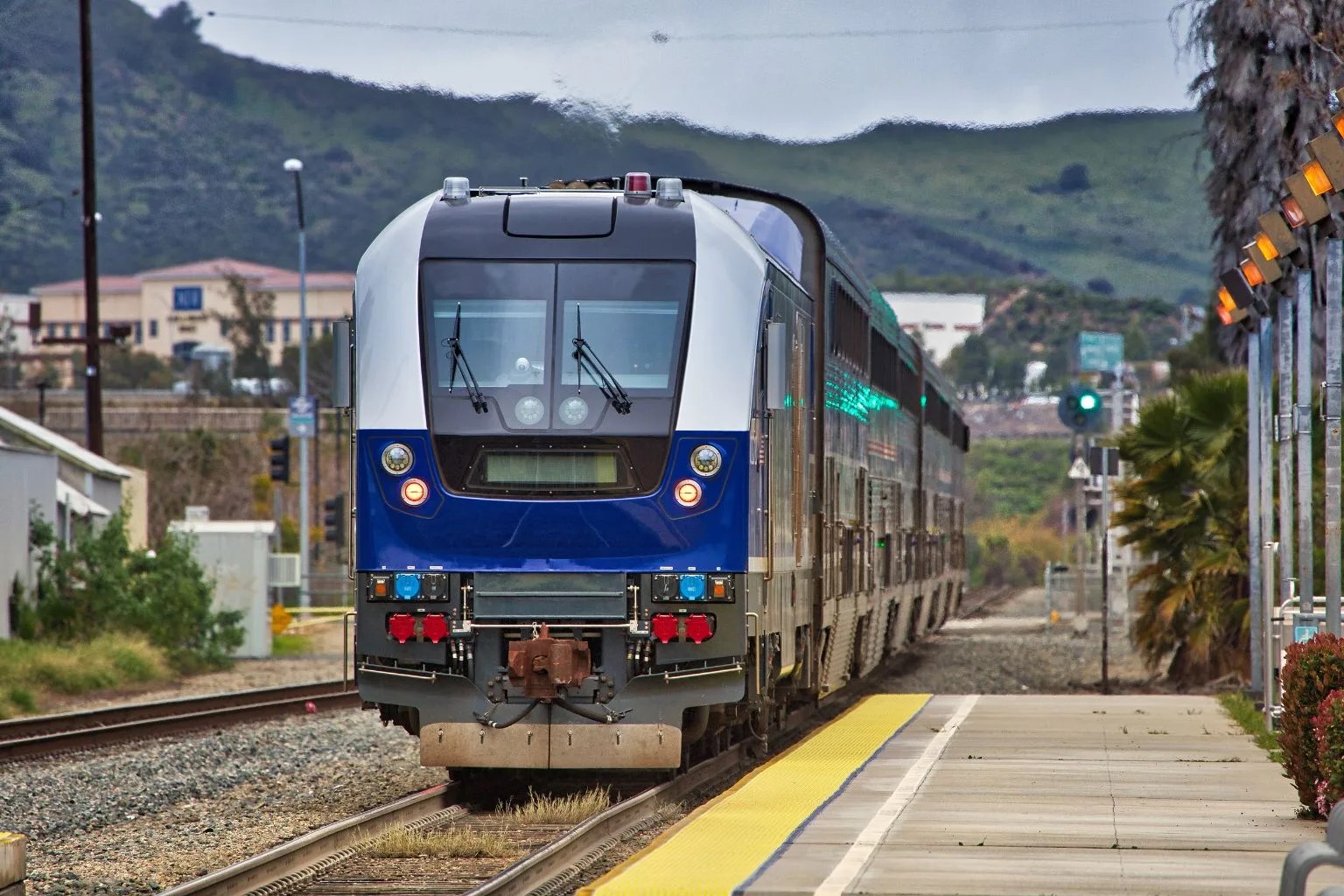
To modify your Amtrak reservation, log into your account on Amtrak’s website or mobile app, or retrieve your trip with your reservation number and the email address or phone number used for the booking. From there, locate your trip in the "My Trips" section and click "Modify" to change your travel dates, train, or seat.
Steps to Modify Your Amtrak Reservation
- Log into Your Amtrak Account
Start by visiting Amtrak’s website or mobile app. Use your email and password to access your account. If you booked as a guest, you’ll need your reservation number and the email address or phone number used for the booking. - Locate Your Reservation
Once logged in, find the "My Trips" section. Here, you’ll see a list of your upcoming journeys. Click on the reservation you wish to change. - Select Modify Reservation
After selecting your trip, look for the "Modify" button. This will take you to a page where you can make changes to your booking. - Choose New Travel Dates or Train
You can now adjust your travel dates or select a different train. Keep in mind that changes might affect your fare, so check the price difference. - Review and Confirm Changes
Once you’ve made your changes, review the details carefully. If everything looks good, confirm your modifications. You’ll receive a new confirmation email with updated details.
Important Considerations When Modifying
- Check Fare Rules
Different tickets have different rules. Some may allow free changes, while others might charge a fee. Always check the fare conditions before proceeding. - Timing Matters
Try to make changes as early as possible. Last-minute modifications might be limited or more expensive. - Refund Policies
If you’re canceling instead of changing, be aware of Amtrak’s refund policies. Some tickets are non-refundable, while others might offer partial refunds.
Contacting Amtrak for Assistance
- Call Amtrak Customer Service
Dial Amtrak’s customer service number for direct assistance. They can help with complex changes or answer any questions you have. - Visit a Ticket Counter
If you’re near an Amtrak station, visiting a ticket counter can be helpful. Staff there can assist with modifications and provide additional information. - Use Amtrak’s Live Chat
For quick questions, try Amtrak’s live chat feature on their website. It’s a convenient way to get answers without waiting on hold.
Tips for a Smooth Experience
- Keep Your Confirmation Number Handy
Having your confirmation number ready speeds up the process, whether online or over the phone. - Double-Check Your Email
Ensure your email address is correct to receive updated reservation details promptly. - Be Flexible with Travel Plans
Flexibility can help you find better options or fares when modifying your reservation. For example, if you are also flying, you might want to add TSA PreCheck to an existing Delta reservation to streamline your airport experience.
Making Changes with Ease
Changing your Amtrak reservation doesn't have to be a hassle. Whether plans shift or you find a better deal, knowing how to modify your booking is key. Start by visiting the Amtrak website or using their app. Log in, find your reservation, and follow the steps to adjust your travel details. If you prefer speaking to someone, Amtrak's customer service is ready to help. Keep in mind any fees or fare differences that might apply. Being aware of Amtrak's policies ensures a smooth process. Planning ahead and staying flexible can save both time and money. Remember, the earlier you make changes, the better your chances of getting the options you want. With these tips, you can confidently manage your travel plans and enjoy your journey with Amtrak. Safe travels!
Related travel guides: How To Modify An Airbnb Reservation.