

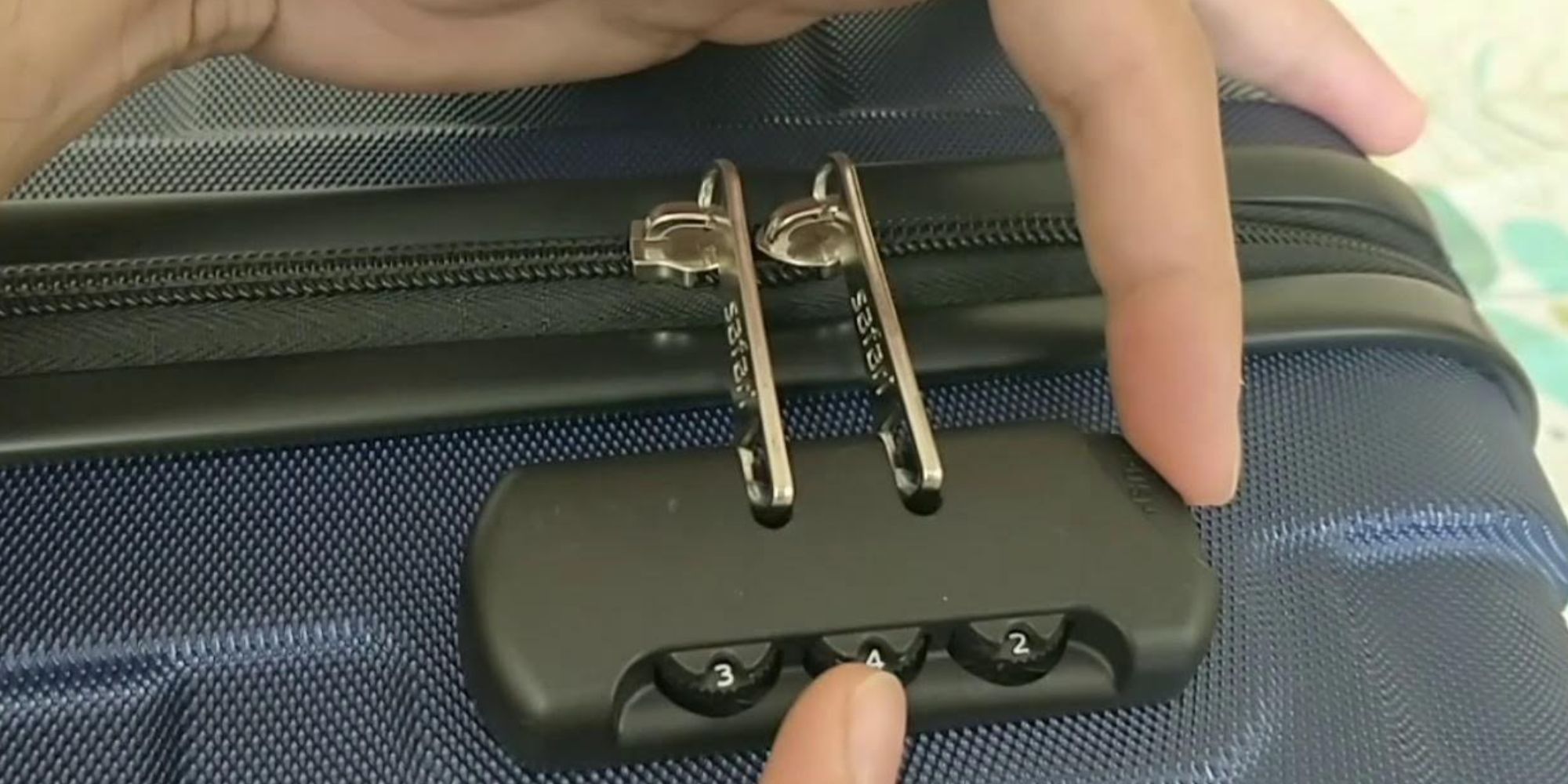
To reset the 3-digit lock on your American Tourister luggage, start with the default combination 0-0-0, press the small reset button with a pointed object until it clicks or stays down, set your new three-digit code, and release the button to save the new code. The lock offers 1,000 possible combinations and is TSA-approved, meaning security officers can use a master key to inspect your luggage without damaging the lock.
Related travel guides: How To Set A Lock On American Tourister Luggage, How To Claim Warranty For American Tourister, and American Tourister Luggage.
Understanding the 3-digit lock on American Tourister luggage
The 3-digit lock is a combination lock that secures your luggage with a unique three-digit code. Each digit can be set to any number between 0 and 9, giving 1,000 possible combinations. To set the lock, rotate the dials to your desired code — the dials are typically on the front or side of the luggage and turn easily with your fingers. Once you have set your code, lock the luggage by snapping the lock mechanism into place.
The 3-digit lock on American Tourister luggage is TSA-approved. Transportation Security Administration officers can use a master key to open and inspect your luggage without damaging the lock.
Steps to reset the 3-digit lock on American Tourister luggage
Follow these instructions:
- Start with the lock in the default combination. Most American Tourister luggage will have the default combination set to 0-0-0.
- Locate the small reset button on the side or bottom of the lock. This button is usually recessed and may require a pointed object like a pen or paperclip to press.
- Using the pointed object, press the reset button firmly until you hear a click or feel it stay down.
- While keeping the reset button pressed, choose a new combination for your lock. Make sure to select a unique code that you can easily remember but is not too obvious for others to guess.
- As you set each digit of your new combination, rotate the dials to your desired numbers. Ensure that all three digits are aligned correctly.
- Release the reset button once you have set your new combination to save the new code.
- To test your new combination, turn the dials to your selected code and try to open the lock. If the lock opens smoothly, you have successfully reset the 3-digit lock on your American Tourister luggage.
Keep your new combination in a safe and easily accessible place, such as your phone or a secure note, to avoid forgetting it when you need to unlock your luggage.
Conclusion
Understanding how to reset the 3-digit lock on your American Tourister luggage is essential for ensuring the safety and security of your belongings while on the go. When resetting the lock, always start with the default combination 0-0-0 and locate the reset button to begin the process. Follow the instructions carefully, choosing a unique and memorable combination for your lock. Once set, test your new code to ensure it unlocks smoothly.
By following these steps, you can reset the 3-digit lock on your American Tourister luggage, giving you peace of mind that your belongings remain secure throughout your travels. The next time you pack your American Tourister luggage, take a moment to reset your 3-digit lock and embark on your journey knowing that your belongings are protected.
