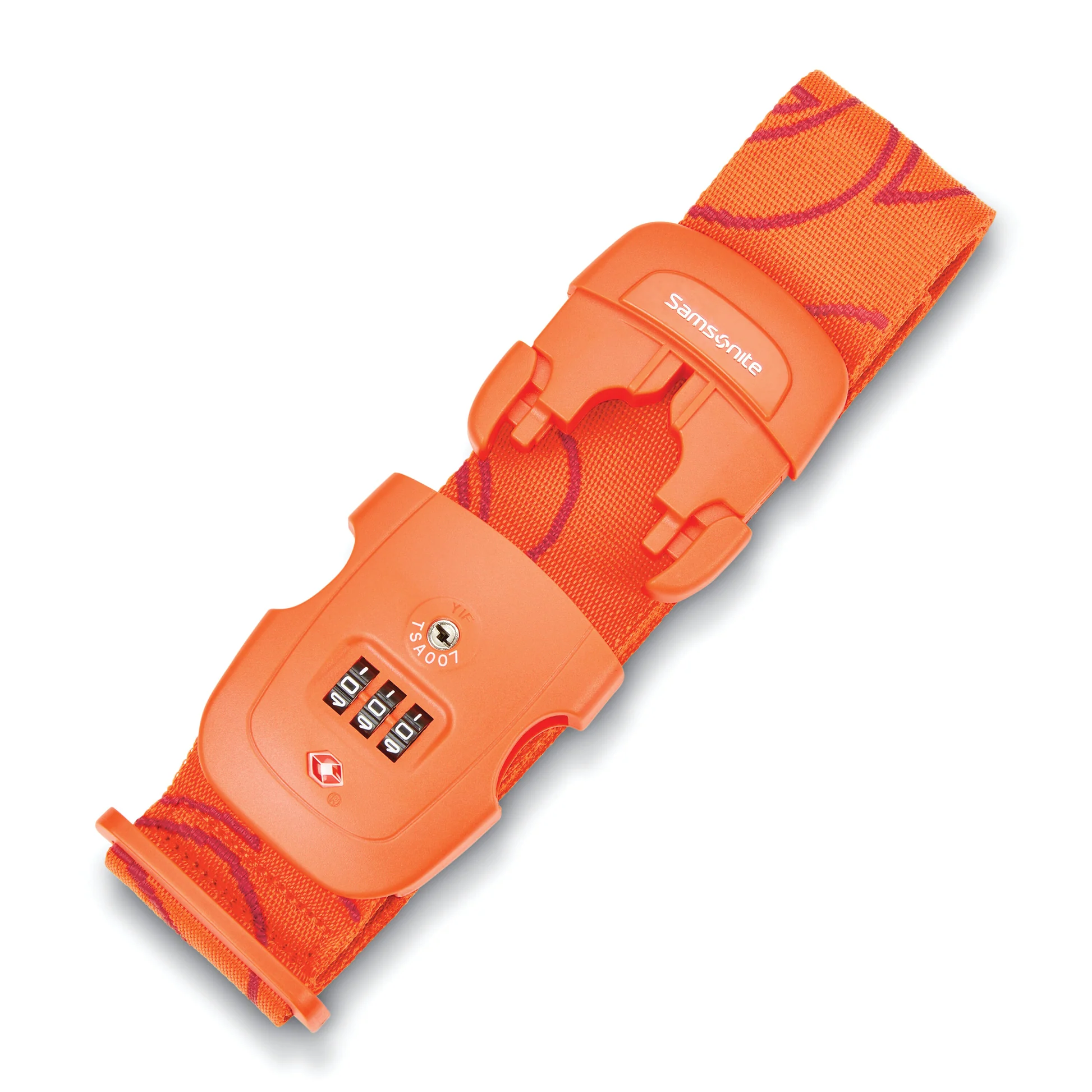
To open a Samsonite luggage strap with a combination lock, locate the lock near the buckle and turn the dial to align the correct numbers with the opening mark. To reset the password, press and hold the small reset button or hole with a pointed object, turn the dials to your new combination, then release the button.
Step 1: Unlocking Samsonite Luggage Strap
The first step in unlocking your Samsonite luggage strap is to locate the lock mechanism. On most Samsonite luggage straps, the lock is located near the buckle. Look for a small dial or button on the lock.
Once you've located the lock, you will need to turn the dial or press the button to open it. If there is a dial, you may need to rotate it to align the correct numbers with the opening mark. If there is a button, simply press it inwards to release the lock.
It's important to note that some Samsonite luggage locks may have a keyhole instead of a dial or button. In this case, you will need to insert the key that came with the lock and turn it to unlock it.
Once the lock mechanism is open, you can now release the strap from your luggage. Take care not to let go of the strap too quickly, as it may snap back and potentially cause injury.
You have successfully unlocked your Samsonite luggage strap. For related guidance, you might also want to know how to unlock a locked Samsonite suitcase or change code on Samsonite luggage.
Step 2: Resetting the Password on Samsonite Luggage Strap
Resetting the password on your Samsonite luggage strap is a straightforward process. Follow these steps to ensure your luggage remains secure with a new password:
- Locate the small reset button or hole on the lock mechanism. This button is usually found near the dial or on the backside of the lock. Look for a small hole or a tiny button that can be pressed.
- Once you've found the reset button or hole, use a pointed object such as a pen, toothpick, or a small pin to press and hold it down for a few seconds. This action will reset the lock mechanism.
- As you hold down the reset button, set a new combination by turning the dials to select your desired password. Make sure to choose a combination that you can easily remember but is difficult for others to guess. Avoid using obvious patterns or easily guessable numbers.
- After setting your new password, release the reset button. Ensure that the new combination is properly locked in place by testing it before finalizing the process.
- Finally, make a note of your new password and keep it in a secure place. It is essential to remember the password as you will need it to unlock the strap in the future.
By following these simple steps, you can easily reset the password on your Samsonite luggage strap. Remember to choose a strong and memorable password to keep your belongings safe and secure during your travels.
With your Samsonite luggage strap unlocked and the password reset, you can confidently embark on your next adventure, knowing that your luggage is protected.
Related travel guides: How To Set The Lock In Samsonite Omni Spinner Luggage.