

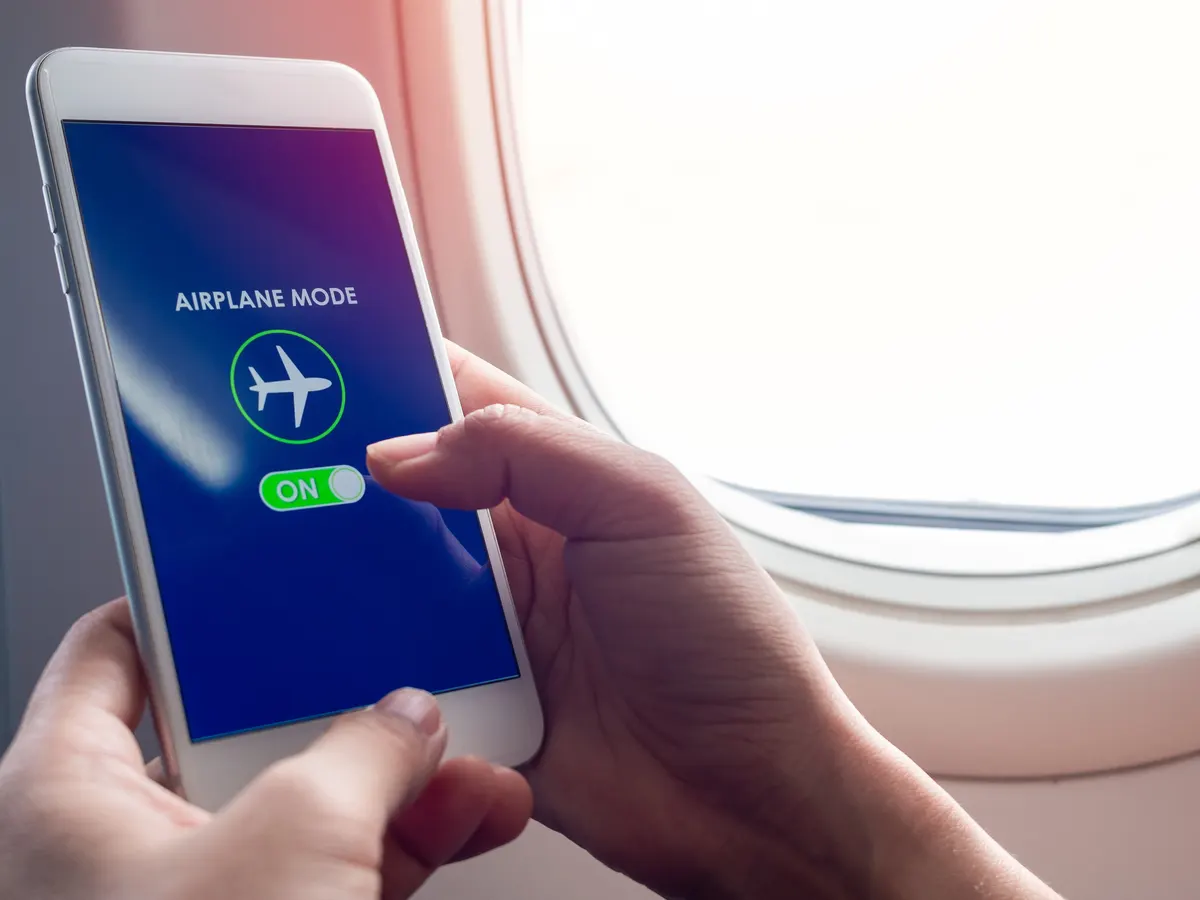
You can tell if someone has their phone on airplane mode by swiping down from the top of the screen on Android, or from the top-right corner on iOS without a Home button. The catch is that the person might have Wi-Fi or Bluetooth re-enabled separately, so you could still see them using wireless headphones or an onboard network even with cellular service off.
What is Airplane Mode?
Airplane mode, also known as flight mode or offline mode, is a setting found on smartphones, tablets, and other electronic devices. When activated, it disables the device's wireless communication features, including cellular service, Wi-Fi, and Bluetooth, preventing signals that may interfere with aircraft systems.
The primary purpose is compliance with airline regulations. The Federal Aviation Administration (FAA) and other regulatory agencies require passengers to switch to airplane mode during takeoff, landing, and while in the air to eliminate potential electromagnetic interference with critical systems like communication and navigation.
When activated, the device severs connections to cellular networks, disabling voice calls, text messaging, and mobile data. Wi-Fi and Bluetooth are also deactivated, preventing connections to wireless networks or pairing with other devices.
Beyond air travel, airplane mode has practical uses. In areas with limited cellular reception, where the device constantly searches for a signal and drains battery life, switching to airplane mode conserves power and prolongs usage. It is also used by individuals seeking respite from constant notifications, providing a distraction-free environment for activities like reading or studying.
Even with airplane mode on, some devices offer the option to enable Wi-Fi or Bluetooth separately. This allows users to connect to onboard Wi-Fi networks or use Bluetooth headphones while still complying with regulations to disable cellular service.
Why People Use Airplane Mode
Airplane mode serves a specific purpose during air travel, but people also utilize this feature in other situations for various reasons. Here are some common reasons why individuals choose to use airplane mode:
- Compliance with Airline Regulations: The primary and most common reason for using airplane mode is to comply with airline regulations. Passengers are required to turn off their electronic devices or switch them to airplane mode during takeoff, landing, and while in the air. This is to ensure that these devices do not interfere with critical aircraft systems.
- Conserving Battery Life: In areas with weak or no cell signal, smartphones continuously search for a signal, which can drain the battery quickly. By switching to airplane mode, users can prevent the device from constantly searching for a signal, thereby conserving battery life.
- Minimizing Disturbances: Airplane mode is often used to create a distraction-free environment. By enabling this mode, users can disconnect from incoming calls, messages, and notifications, allowing them to focus on activities such as work, study, or spending quality time with friends and family.
- Avoiding Roaming Charges: When traveling internationally, using cellular data abroad can result in hefty roaming charges. By activating airplane mode and relying solely on Wi-Fi connections, users can avoid these charges while still accessing the internet and using various apps.
- Enhancing Sleep: Many individuals use airplane mode at night to ensure uninterrupted sleep. By disabling calls, messages, and notifications, users can rest peacefully without the disturbance of alerts and notifications.
- Protecting Privacy: Activating airplane mode is a simple and effective way to maintain privacy. It prevents others from remotely tracking or accessing personal information on the device, providing an added layer of security.
These are just a few reasons why people choose to use airplane mode. The versatility and convenience of this feature make it a valuable addition to modern devices, providing users with control over their connectivity and ensuring compliance with regulations in various situations.
Now that we understand why people use airplane mode, let's explore some signs that can indicate whether someone has their phone in airplane mode.
Signs That Someone Might Have Their Phone On Airplane Mode
While it's not always easy to confirm if someone has their phone on airplane mode, there are a few signs that can indicate whether they are using this feature. Keep in mind that these signs may not be conclusive proof, but they can give you a good indication:
- No Signal Bars: One of the most apparent signs that someone has their phone on airplane mode is the absence of signal bars on their device. In airplane mode, the device disconnects from cellular networks, resulting in no signal strength or network coverage indicators.
- No Incoming Calls or Messages: If someone's phone is on airplane mode, they won't receive incoming calls or messages. If you notice that someone's phone isn't ringing, buzzing, or displaying notifications, it could be a sign that they have activated airplane mode.
- Quick Battery Drain: When a phone is constantly searching for a signal in an area with low or no coverage, the battery drains faster. If someone's phone battery seems to last significantly longer than usual, it could be an indication that they have their phone on airplane mode.
- Limited App Functionality: Many apps and functions rely on an internet connection to update data or provide real-time information. If you observe that someone's device lacks certain functionalities or displays outdated information, it could be a sign that they are in airplane mode.
- No Wi-Fi or Bluetooth Connections: In airplane mode, both Wi-Fi and Bluetooth are typically disabled. If you try to connect to Wi-Fi or discover nearby Bluetooth devices and find that the person's device isn't detecting any, it is likely that airplane mode is enabled.
It's important to note that these signs can vary depending on the device and its settings. Some devices may display limited signals or show a Wi-Fi or Bluetooth connection while in airplane mode. Additionally, some individuals may intentionally disable certain functions while keeping others active, so it's not a foolproof method for determining airplane mode usage. If you are traveling and wondering about your luggage, you might also need to know how much can your suitcase weigh on Southwest to avoid fees at the gate.
Now that we have explored the signs indicating someone might have their phone on airplane mode, let's discuss how you can check for airplane mode on their device.
Checking for Airplane Mode
If you're curious whether someone has their phone in airplane mode, there are a few simple steps you can follow to check on their device:
- This action opens the device's control center or notification panel, where you will find a toggle switch for airplane mode. If the switch is activated or highlighted, it means that the device is in airplane mode.
- Look for Airplane Mode Symbol: Some devices display a small airplane icon in the status bar when airplane mode is enabled. Take a glance at the top-right or top-left corner of the screen to see if this icon is present. If you spot the airplane symbol, it confirms that the device is in airplane mode.
- Attempt to Call or Message: If you have the person's permission, you can try calling or messaging their device. If you receive a message or notification indicating that the person is unreachable or the call fails to connect, it suggests that their phone may be in airplane mode.
- Ask the Person Directly: If you have a comfortable rapport with the person and it's appropriate in the situation, you can simply ask them if their phone is in airplane mode. They may confirm or deny it, providing you with a definitive answer.
It's important to remember that checking whether someone has their phone in airplane mode should be done respectfully and with their consent. Some people may have personal reasons for enabling airplane mode and may not wish to disclose this information.
While these methods can help you determine if someone has their phone in airplane mode, they are not foolproof and may vary depending on the device and its settings. Always approach the situation with respect and sensitivity.
Now that we have discussed how to check for airplane mode on someone's device, let's explore other indicators that can suggest whether someone is using their phone or not.
Other Indicators of Phone Usage
- Screen Activity: If you notice that someone is frequently looking at their phone screen, scrolling, or tapping, it usually indicates they are using their device. On the contrary, if the screen remains dormant for an extended period, it suggests they may not be actively using their phone.
- Body Language: Pay attention to the person's body language. Engaged phone users typically exhibit certain behaviors like tilting their head down, focusing on the screen, or holding the phone with their hands. If these cues are absent or minimal, it could indicate that they are not actively using their device.
- Headphone Usage: If you see someone wearing headphones or earbuds, it generally suggests that they are using their phone for audio-related activities such as listening to music, podcasts, or taking phone calls. This can be an indication that their phone is not in airplane mode.
- Notification Sounds: When a phone is not in airplane mode, incoming calls, messages, and notifications usually trigger audible sounds or vibrations. Keep an ear out for these alert sounds. If you don't hear any, it could suggest that the person has their phone on silent or in airplane mode.
- Invisible Mode: Some individuals may choose to silence or disable all notification sounds and vibrations, known as "silent mode" or "do not disturb" mode. This can make it difficult to ascertain their phone usage based solely on audible cues. In such cases, other indicators like screen activity or body language may provide more insight.
It's important to remember that these indicators are not foolproof and may vary depending on the individual's phone habits and preferences. Additionally, some people have mastered the art of discreetly using their phones, making it harder to determine their phone usage.
Ultimately, it's crucial to respect people's privacy and personal choices regarding their phone usage. While it may be interesting to know if someone has their phone on airplane mode, it's important to approach the topic with tact and sensitivity.
Now that we have explored various indicators of phone usage, let's conclude our discussion.
Conclusion
Determining if someone has their phone on airplane mode can be challenging, but there are signs that can give you an indication. Look for the absence of signal bars, lack of incoming calls or messages, quick battery drain, limited app functionality, and the absence of Wi-Fi or Bluetooth connections. However, these signs are not definitive proof, as some devices may display limited signals even in airplane mode.
To check, observe the device settings, look for the airplane mode symbol in the status bar, attempt to call or message the person, or simply ask them directly. Always approach the topic with respect and sensitivity, as individuals may have personal reasons for enabling airplane mode.
Keep in mind that other indicators of phone usage include screen activity, body language, headphone usage, notification sounds, and silent or invisible mode. These can provide insights into whether someone is actively engaged with their device. Ultimately, it is essential to respect people's privacy and personal choices regarding their phone usage. Whether someone has their phone on airplane mode or not, focus on engaging in meaningful and present interactions, enjoying the shared experiences around you, and respecting the privacy of those around you.
Related travel guides: What Happens When Your Phone Is On Airplane Mode And Someone Calls You?.
