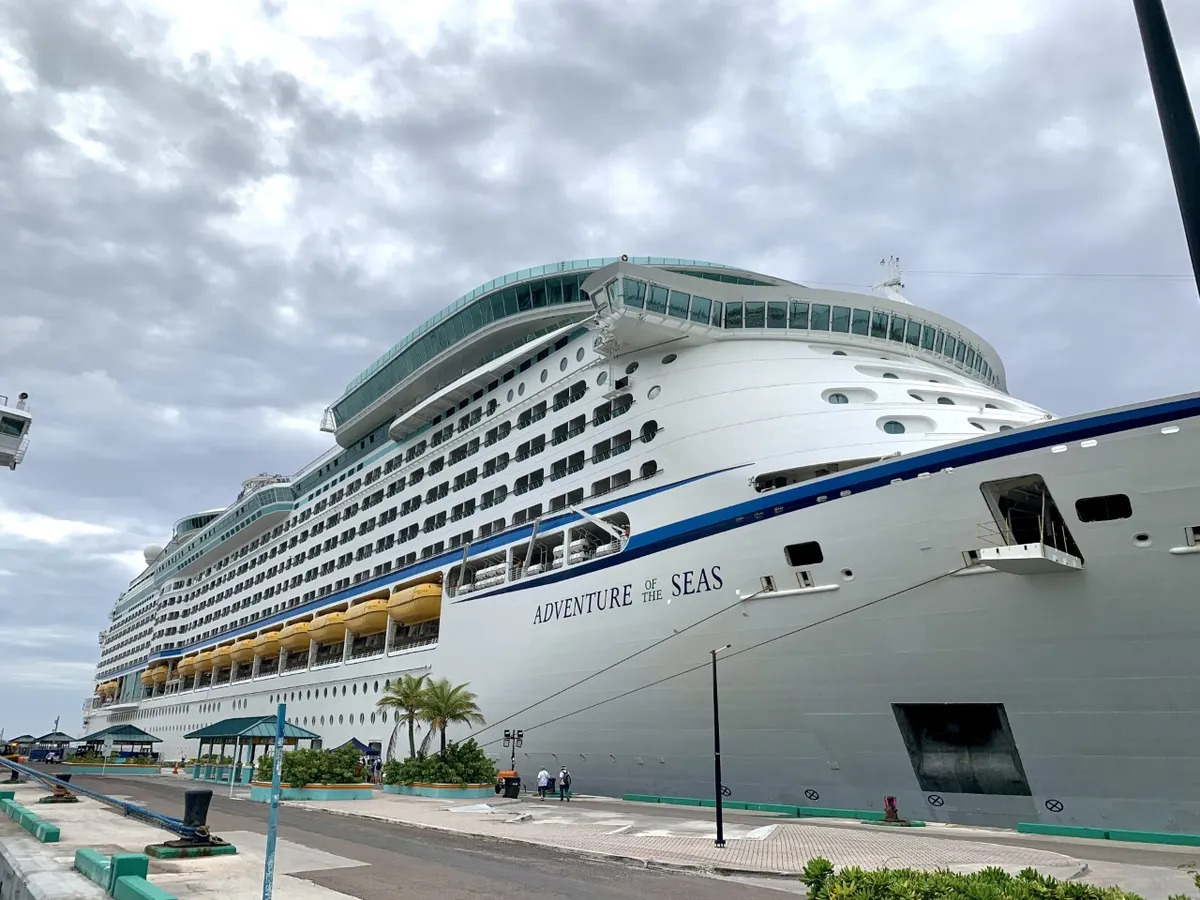
To communicate on a Royal Caribbean cruise ship, use the ship’s landline phones in your cabin, the public address system, or the ship-to-ship calling service to reach other cabins and onboard facilities. The catch is that external calls from your cabin phone may cost extra, and cell reception can be spotty at sea, so plan ahead by downloading the Royal Caribbean app and checking your provider’s roaming options before you sail.
Step 1: Preparing for Communication on a Cruise Ship
Before setting sail on your Royal Caribbean cruise, take these steps to prepare for onboard communication:
- Check your cellphone provider: Contact your provider to understand international roaming options. This helps determine the best plan for calls and data at sea.
- Download the cruise line app: Royal Caribbean offers a mobile app to stay connected and access information. Download it prior to your cruise to use its communication features.
- Carry a charger and power bank: Pack your cellphone charger and a portable power bank to recharge devices onboard.
- Consider a walkie-talkie or two-way radio: In areas with limited cell reception, these can help you communicate with travel companions. Check the cruise line’s policy on using such devices.
- Inform your loved ones: Share your cruise itinerary and contact details so they can reach you in an emergency.
By taking these steps, you can stay connected with loved ones and enhance your time at sea. For additional planning, you might also check how far is the cruise port from Fort Lauderdale if departing from there. If you are curious about what you can bring, review the policy on drinks can I bring on a Royal Caribbean cruise before packing.
Step 2: Understanding Ship Communication Channels
When it comes to communication on a cruise ship, it's important to be aware of the various channels available to you. Royal Caribbean offers several options for passengers to stay connected:
- Public Address (PA) System: The ship's PA system is used to make announcements and relay important information to all passengers and crew members. Keep an ear out for these announcements, as they may contain valuable updates or instructions.
- Landline Phones in Cabins: Each cabin is equipped with a landline phone that allows you to make calls to other cabins or various ship facilities. Be aware that charges may apply for external calls, so it's advisable to check the rates before making any long-distance calls. Ship-to-Ship Calls: Royal Caribbean ships offer ship-to-ship calling services, which allow you to make direct calls to other cabins or onboard facilities. This is a convenient option to connect with fellow travelers without needing to rely on mobile phones.
- Front Desk/Reception: The ship's front desk or reception is available 24/7 and serves as a central hub for communication. You can visit the front desk to ask questions, report issues, or make any necessary arrangements during your cruise.
- Information Centers: Royal Caribbean ships have information centers where you can seek assistance or obtain information about onboard activities, dining options, excursions, and more. These centers are usually staffed by knowledgeable crew members who can help answer your inquiries.
- Interactive Touchscreens/Information Boards: Throughout the ship, you'll find interactive touchscreens or information boards that provide updates on activities, dining options, and other relevant information. These screens are a valuable source of information and can help you plan your day.
- Meeting Places: Royal Caribbean ships designate specific meeting places in case passengers need to gather or find each other. These meeting places are typically well-marked and can be useful for coordinating with your fellow travelers.
Understanding these ship communication channels will help you navigate the ship more effectively and ensure that you're aware of the various ways to stay informed and connected during your Royal Caribbean cruise. Make use of these resources to make the most of your experience and stay updated with all that the ship has to offer. If you need to know how far is the cruise port from Fort Lauderdale, the front desk can provide that information.
Step 3: Utilizing Internet and Wi-Fi Services
Staying connected online while on a cruise ship is increasingly important. Royal Caribbean offers internet and Wi-Fi services to keep passengers connected.
To access the internet, you have two options:
- Wi-Fi Packages: Royal Caribbean offers various internet packages you can purchase for the duration of your cruise. These packages let you connect to the ship's Wi-Fi network from your own devices. Choose a package for casual browsing, social media, or streaming videos. Additional charges apply.
- Internet Cafes: If you don't have your own device or prefer a public computer, Royal Caribbean ships have internet cafes with computers for a fee.
This is a convenient option to connect with fellow travelers without needing to purchase a Wi-Fi package.
Keep these tips in mind when using the internet and Wi-Fi services:
- Connections may vary: Internet connections on cruise ships can be slower and less reliable than on land. Be patient with slower speeds or intermittent connections.
- Turn off data roaming: To avoid unexpected charges from your cellphone provider, turn off data roaming when connected to the ship's Wi-Fi. This prevents your phone from using expensive cellular data.
- Be mindful of data usage: Internet packages often have data limitations. Avoid excessive streaming, downloading large files, or bandwidth-heavy activities that deplete your allowance quickly.
- Connect during off-peak hours: If experiencing slow speeds, try connecting when fewer passengers are online for a faster, more stable connection.
By utilizing these services, you can stay connected with loved ones, share cruise moments on social media, and access important information during your voyage. Manage your data usage wisely and be patient with the sometimes limited connectivity at sea.
Step 4: Making Calls and Sending Texts
While onboard a Royal Caribbean cruise, you have several options for making calls and sending texts to stay in touch with your loved ones. Here's how:
- Cellular Network: Most modern cruise ships, including those of Royal Caribbean, have cellular towers installed that allow you to use your cellphone's network for calls and texts. However, keep in mind that using your cellphone's network while at sea can be expensive, as it usually involves international roaming charges. It's advisable to check with your cellphone provider for their international roaming rates and plans before making any calls or sending texts using your cellular network.
- This is a convenient option to connect with fellow passengers or contact ship services. Note that while you can call other staterooms from your cabin phone, charges for these calls are not confirmed as free.
- VoIP (Voice over Internet Protocol) Apps: Utilizing Wi-Fi services onboard, you can use VoIP apps such as Skype, WhatsApp, or FaceTime to make calls and send texts. This is a cost-effective option, as it utilizes internet connectivity rather than your cellular network. However, it's important to keep in mind that using these apps may require purchasing an internet package or incurring additional Wi-Fi charges.
- Text Messaging: Sending text messages can be a convenient and affordable way to communicate while on a cruise ship. Most modern smartphones have the ability to send text messages via your cellular network or through Wi-Fi using messaging apps. Check with your cellphone provider regarding any fees or international text message rates before sending texts while at sea.
When making calls or sending texts on a cruise ship, it's recommended to consider the following tips:
- Time zone changes: Keep in mind that your cruise ship may cross different time zones during the journey. Ensure you adjust your phone's clock accordingly to avoid confusion when making calls or sending timely messages.
- Emergency calls: In case of emergencies while onboard, use the ship's emergency numbers or dial the ship's front desk for immediate assistance.
- Respect quiet areas: Be mindful when making calls in designated quiet areas or public spaces. Respect the peace and privacy of other passengers and use these areas for brief and essential calls only.
By understanding the available options for making calls and sending texts, you can stay connected with your friends, family, and fellow passengers while enjoying your Royal Caribbean cruise. Just be aware of any associated charges, keep track of time zone changes, and respect the onboard etiquette for phone usage.
Step 5: Using Walkie-Talkies and Two-Way Radios
Walkie-talkies and two-way radios offer a reliable way to stay in touch with travel companions on a Royal Caribbean cruise, especially where cellular coverage is limited or internet charges are undesirable. Here is how to use them effectively:
- Check the cruise line's policy: Before bringing devices onboard, verify Royal Caribbean's policy on walkie-talkies and two-way radios. Some cruise lines restrict certain frequencies or have specific guidelines to ensure smooth communication among passengers and crew.
- Choose the right devices: Select models with sufficient range to cover the ship areas you will frequent. Look for clear reception, durability, and long battery life.
- Select a common channel: Coordinate with your group on a single channel to avoid interference. Note that using common channels may let you hear other passengers on the same frequency.
- Use the push-to-talk feature: Familiarize yourself with the push-to-talk button and practice good radio etiquette by letting others finish speaking before you transmit.
- Stay within range: Walkie-talkies have limited range. Be aware of distance limits and factors like obstacles or device interference that can reduce range.
- Respect noise and quiet areas: Avoid using radios in designated quiet areas or during times when others may be resting.
This is a convenient option to connect with family or friends without needing a separate device. For example, if you are wondering how far is the cruise port from Fort Lauderdale, a quick call to guest services from your cabin phone can provide that information. Similarly, if you need to know which cruise terminal does Celebrity use in Fort Lauderdale, the ship-to-ship service can connect you to the appropriate desk. Remember that these calls are not confirmed to be free of charge.
Step 6: Joining Ship Activities and Events
When you're on a Royal Caribbean cruise, numerous activities and events are available for guests. Staying informed about these activities is crucial to ensure you don't miss out. Here's how you can effectively join ship activities and events:
- Review the daily activity schedule: Royal Caribbean provides a daily activity schedule, usually delivered to your cabin or available at the information centers. Review this schedule and plan your day. It outlines all activities and events happening throughout the ship.
- Utilize the ship's app: Download the Royal Caribbean app to access information about onboard activities and events. The app provides details, timings, and locations of each activity, allowing you to plan your day and join events that interest you.
- Attend the cruise director's welcome onboard talk: The cruise director hosts a welcome onboard talk, providing an overview of the ship's activities and events. Attend this talk to familiarize yourself with the various opportunities available during your cruise.
- Participate in group activities: Joining group activities is a great way to socialize and meet fellow passengers while staying informed about upcoming events. Participate in group games, trivia, dance classes, or other organized events that interest you.
- Interact with the ship's staff: Engaging with activity coordinators or entertainment team members can provide valuable insights into onboard activities. Don't hesitate to ask questions or seek recommendations to make the most of your cruise experience.
- Sign up for specialty activities: Certain activities or events may require reservations or additional fees. Note any specialty activities that interest you and sign up early to secure your spot.
This is a convenient option to connect with family or friends in different staterooms when coordinating plans for activities and events. If you're wondering what drinks can I bring on a Royal Caribbean cruise, check the line's policy before packing. By actively engaging in ship activities, you'll have a memorable cruise experience. Stay informed about the daily schedule, utilize the ship's app, and interact with staff to make the most of the opportunities onboard.
Step 7: Interacting with Crew Members
Interacting with the friendly and professional crew members on a Royal Caribbean cruise can greatly enhance your experience. They are there to ensure your comfort and satisfaction throughout your journey. Here's how you can effectively interact with the crew members:
- Show appreciation: A simple "thank you" goes a long way. Remember to express your gratitude to the crew members who provide excellent service, whether it's your cabin steward, waitstaff, or any other crew member you encounter.
- Ask for assistance: The crew members are there to assist you. If you have any questions, need directions, or require help with anything, don't hesitate to approach them. They are knowledgeable about the ship and its amenities, and they can provide valuable information.
- Follow onboard protocols: The crew members are responsible for ensuring the safety and well-being of all passengers. It's important to follow any instructions or protocols they provide, especially during safety drills or emergency situations.
- Engage in conversations: Strike up conversations with the crew members when appropriate and show genuine interest in their work and experiences. They often have fascinating stories to share and can provide insightful tips and recommendations.
- Participate in onboard activities: Many crew members are involved in organizing and conducting onboard activities, such as dance classes or game shows. Take part in these activities and engage with the crew members leading them. It's a great opportunity to have fun and connect with the ship's staff.
- Give feedback: If you have any feedback or suggestions regarding your experience on the cruise, don't hesitate to share it with the crew members. They appreciate feedback and can use it to improve the overall cruise experience for future guests.
Interacting with the crew members in a respectful and friendly manner not only enhances your cruise experience but also fosters a positive and enjoyable atmosphere onboard. Remember, they are there to ensure your comfort and satisfaction, and they take pride in providing exceptional service. Taking the time to acknowledge their efforts and engage in conversations can create memorable moments during your Royal Caribbean cruise.
Step 8: Communicating with Fellow Passengers
Interacting with fellow passengers on a Royal Caribbean cruise can be a highlight of your experience. Here's how to effectively communicate and engage with fellow travelers:
- Be friendly and approachable: Smile, make eye contact, and be open to striking up conversations. A friendly attitude creates a welcoming atmosphere onboard.
- Participate in group activities: Join trivia contests, group excursions, or themed parties. These activities offer opportunities to meet passengers who share similar interests.
- Attend social events: Take advantage of cocktail parties, meet-and-greets, or singles' mixers. These provide designated spaces to connect and form new friendships.
- Utilize social media groups: Many Royal Caribbean cruises have dedicated social media groups or forums where passengers connect before, during, and after the cruise. Join these to engage with fellow passengers, ask questions, and share experiences.
- Exchange contact information: If you meet passengers you want to stay in touch with, exchange email addresses or social media handles to continue the connection beyond the cruise.
- This is a convenient option to connect with fellow passengers you've met, though charges may apply.
- Respect privacy and personal space: Always be mindful of personal boundaries. Don't be intrusive if someone prefers to be alone or is not interested in conversation.
Communicating with fellow passengers can enrich your cruise experience by offering new perspectives and forging friendships. The ship's social environment provides numerous opportunities to meet like-minded individuals. If you're planning ahead, you might also check how far is the cruise port from Fort Lauderdale to coordinate meetups before boarding. Embrace these interactions and make the most of the connections you form during your Royal Caribbean cruise.
Step 9: Ensuring Safety and Emergency Communication
Ensuring safety and being prepared for emergencies is of utmost importance on a Royal Caribbean cruise. Here's how you can effectively communicate and stay safe in case of any unforeseen situations:
- Attend mandatory safety drills: Royal Caribbean requires all passengers to participate in mandatory safety drills, such as the muster drill. Pay close attention to the safety instructions provided during these drills and familiarize yourself with the emergency exits and procedures.
- Read and understand safety information: Review the safety literature provided in your cabin, including the emergency procedure guide. This information provides important instructions and guidelines for responding to emergencies onboard.
- Follow crew instructions: In the event of an emergency or evacuation, it's critical to follow the instructions of the crew members. They are trained to handle emergency situations and will guide you to safety.
- Report any safety concerns: If you notice any potential safety concerns or hazards onboard, promptly report them to the ship's crew or front desk. Maintaining open lines of communication ensures a safer environment for all passengers.
- Know emergency contact information: Familiarize yourself with the emergency contact information provided by the cruise line. This includes important phone numbers for onboard medical emergencies or general safety concerns.
- Use the ship's public address (PA) system: In the event of an emergency, the ship's PA system will be used to convey important messages and instructions. Listen carefully to these announcements and follow any given directions for your safety.
- Stay informed: Stay updated with any safety or security announcements made by the ship's crew or through the ship's communication channels. Pay attention to any changes in itinerary or safety protocols.
- Communicate your whereabouts: If you plan to explore ports of call or participate in off-ship activities, make sure to inform a trusted travel companion or a crew member about your plans. This ensures that someone knows your whereabouts at all times.
- Emergency communication devices: Royal Caribbean cruise ships are equipped with emergency communication devices, including alarms, life jackets, and emergency beacons. Familiarize yourself with their locations and how to use them in case of an emergency.
- This is a convenient option to connect with family or friends in other staterooms, though charges may apply. For example, if you are wondering which cruise terminal does Celebrity use in Fort Lauderdale, you can call guest services for assistance.
By being prepared and informed about safety procedures and emergency communication protocols, you can help maintain a safe and secure environment for yourself and your fellow passengers on your Royal Caribbean cruise. Always prioritize your safety, remain vigilant, and follow the instructions provided by the ship's crew in any emergency situation.
Conclusion
Communicating effectively while on a Royal Caribbean cruise is essential for staying connected, participating in activities, and ensuring your safety. Prepare in advance by checking your cellphone provider's international roaming options and downloading the Royal Caribbean app. Familiarize yourself with the ship's communication channels, such as the PA system, landline phones, information centers, and interactive touchscreens. This is a convenient option to connect with fellow passengers and crew.
Take advantage of internet and Wi-Fi services, but turn off data roaming to avoid unexpected charges. Consider using walkie-talkies or two-way radios to communicate with travel companions, following the cruise line's policy. Engage with crew members and fellow passengers, and attend social events to form connections. Prioritize safety by attending drills and following crew instructions in an emergency. For questions like which cruise terminal does Celebrity use in Fort Lauderdale, consult the ship's information center.